
Clinical documentation
Q.Scribe
Give the visit a clearer documentation workflow.
AI scribing, visit notes, and medical coding support.
THE EVERYDAY CHALLENGE
Give the visit a clearer documentation workflow.
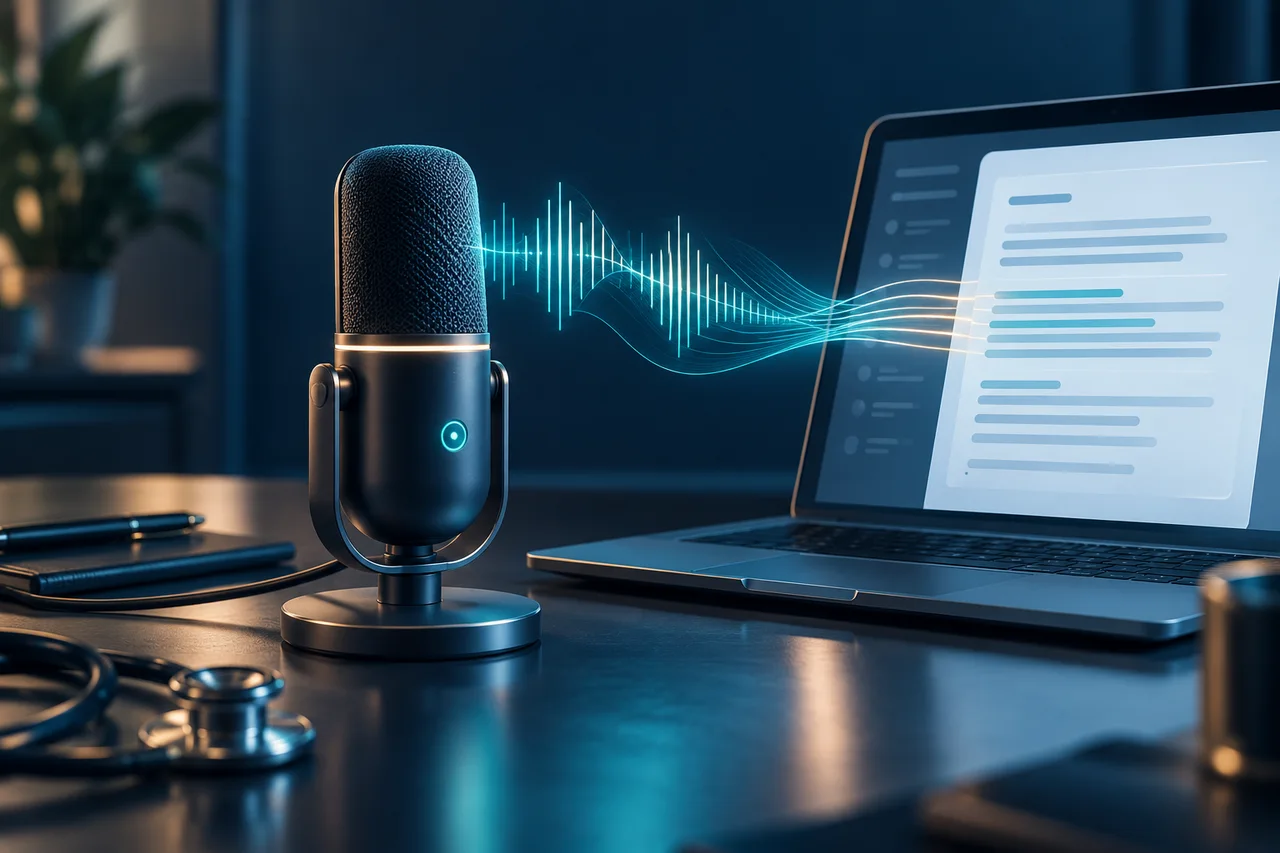
Documentation continues after the conversation ends. Clinicians and support teams still need to turn encounter information into a useful note, check it for accuracy, and address coding questions.
Q.Scribe brings AI scribing, visit notes, and medical coding into a connected documentation workflow. The emphasis is on helping teams prepare work for review while keeping the clinician accountable for the final record. Capture methods and integration requirements should be confirmed during a demonstration.
A PRACTICAL WORKFLOW
From the first review
to the next action.
Illustrative workflow. Your implementation and responsibilities are agreed with QBotix.
- 01
Review the encounter information
- 02
Prepare the visit documentation
- 03
Check accuracy and coding questions
- 04
Approve the final clinical record
A clearer path from encounter information to a reviewed visit note.
BEFORE YOU BEGIN
Make the scope concrete.
Discuss your current systems, available information, review process, and intended users. Confirm integrations, access controls, data handling, and acceptance criteria before rollout.
No outcome figures or universal integration claims are implied. The demonstration should establish what fits your environment.
QUESTIONS, ANSWERED
A little more clarity.
Should an AI-assisted visit note be reviewed before use?
Yes. The responsible clinician should check accuracy, completeness, and clinical meaning before approving the note. Coding decisions also require appropriate review.
How do we evaluate Q.Scribe for our team?
Bring a description of your workflow and its bottlenecks to a QBotix discussion. Use a demonstration to confirm available features, integration requirements, review responsibilities, and deployment scope. Do not send patient information through the website.
CONTINUE EXPLORING
Related workflows.
01E&M CodingEvaluation and managementAI-assisted E/M documentation review and coding support.

Coding / AI Powered Solutions
Bring the encounter back to the evidence.
E&M Coding supports documentation review for evaluation and management encounters. Its role is to help reviewers work through the record and assess coding considerations. The final selection should reflect the documented service, applicable guidance, and qualified reviewer judgment.
Explore E&M Coding ↗02HCC CodingRisk adjustmentAI-assisted HCC coding support for documentation and review.
Coding / AI Powered Solutions
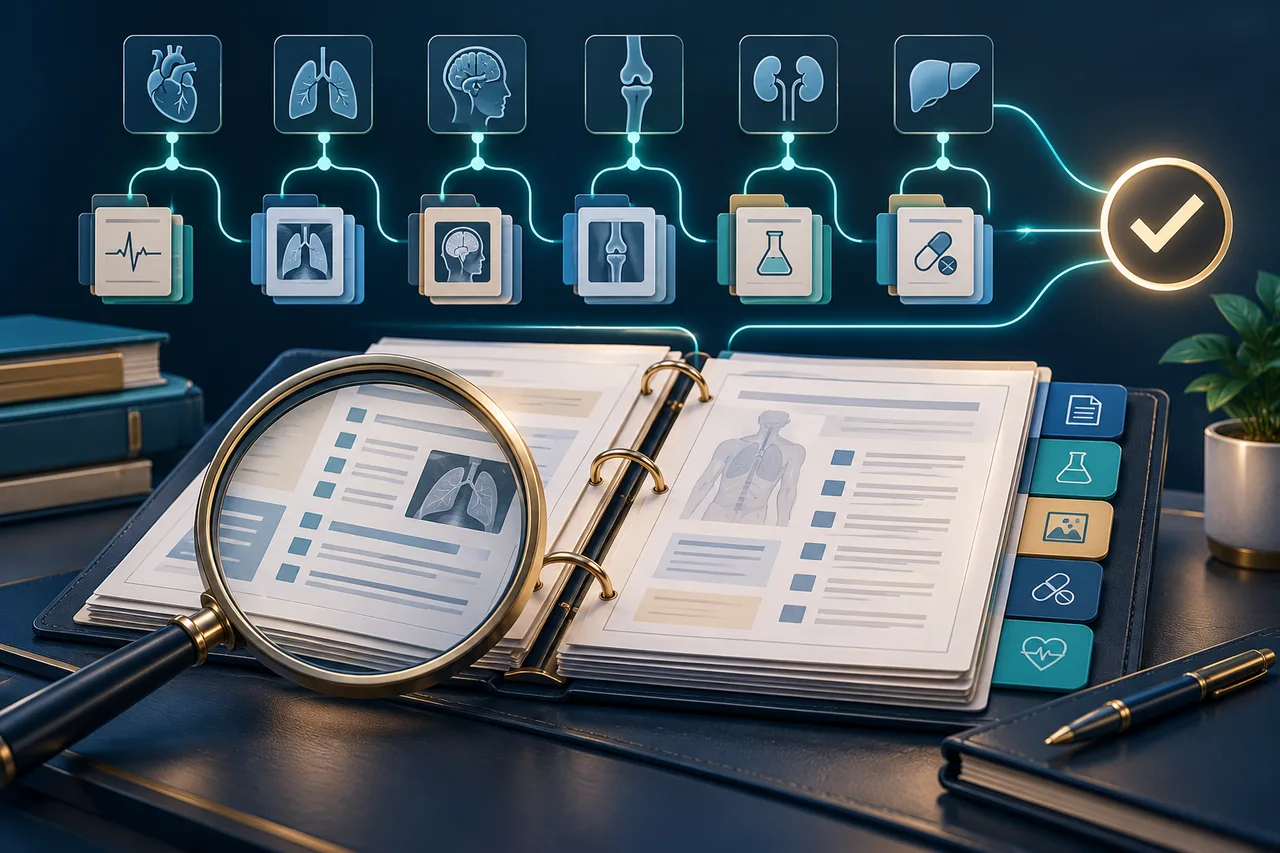
Make each coding decision traceable to the record.
HCC Coding supports reviewers working through clinical documentation and risk-adjustment coding questions. The emphasis is on a careful review of the record, with attention to evidence and items that require clarification. It is a review aid, not a promise of higher risk scores or reimbursement.
Explore HCC Coding ↗03OncoAuthPrior authorizationAI-assisted prior authorization tracking for oncology teams.
Oncology / AI Powered Solutions
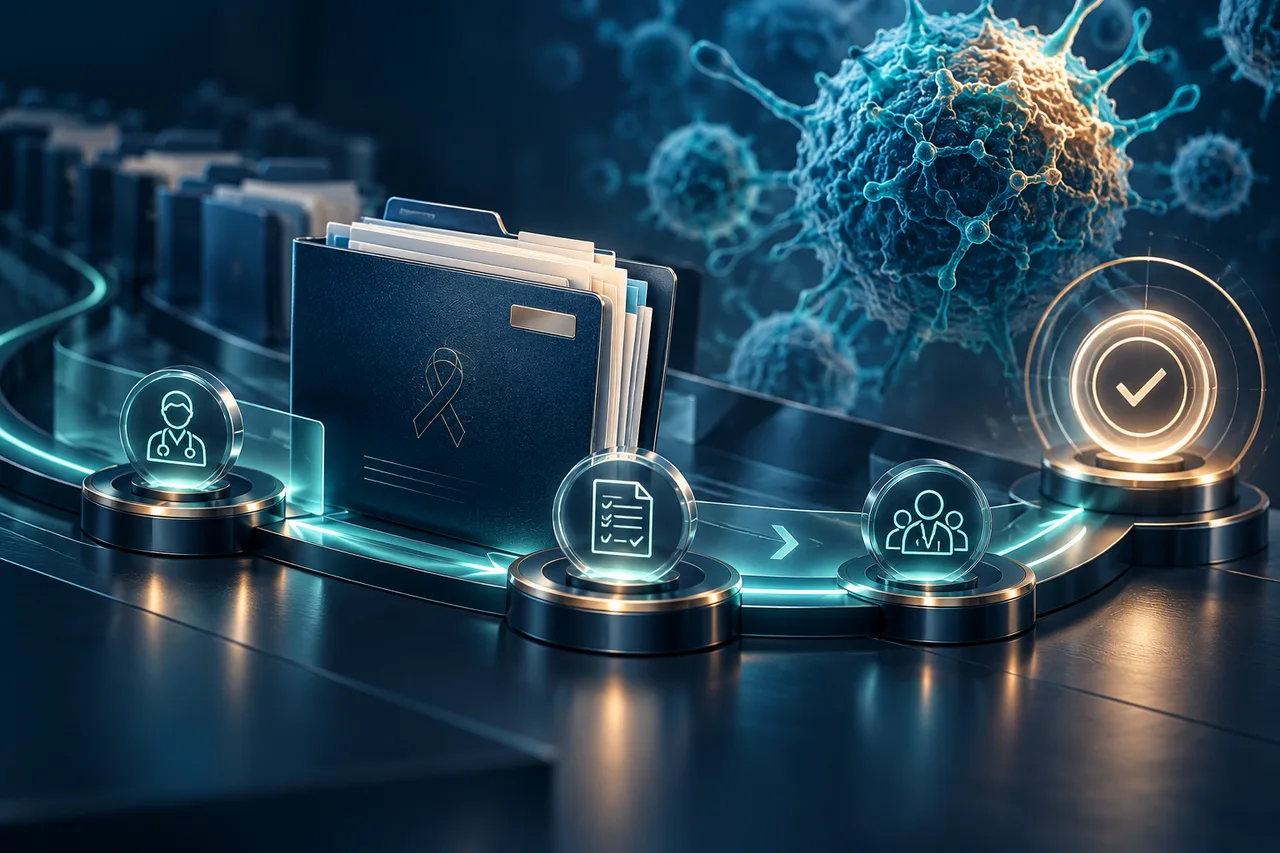
Keep the next step in cancer care in view.
OncoAuth brings attention to the authorization workflow: what has been requested, what is still pending, and which cases need follow-up. It gives oncology operations teams a focused starting point for reviewing authorization work without treating an AI suggestion as a payer decision.
Explore OncoAuth ↗